Satellite Station Management
Satellite stations are used to represent different areas or service zones within a site. With Beamy Bridge, you can easily create new stations and design custom floorplans to match your venue’s layout.
Creating a New Station


To get started, navigate to the Stations section in Bridge and select the Satellite tab. This will display all existing satellite stations for your site.
Click Add Satellite Station to create a new one. Enter a name for the station and click Create Station.
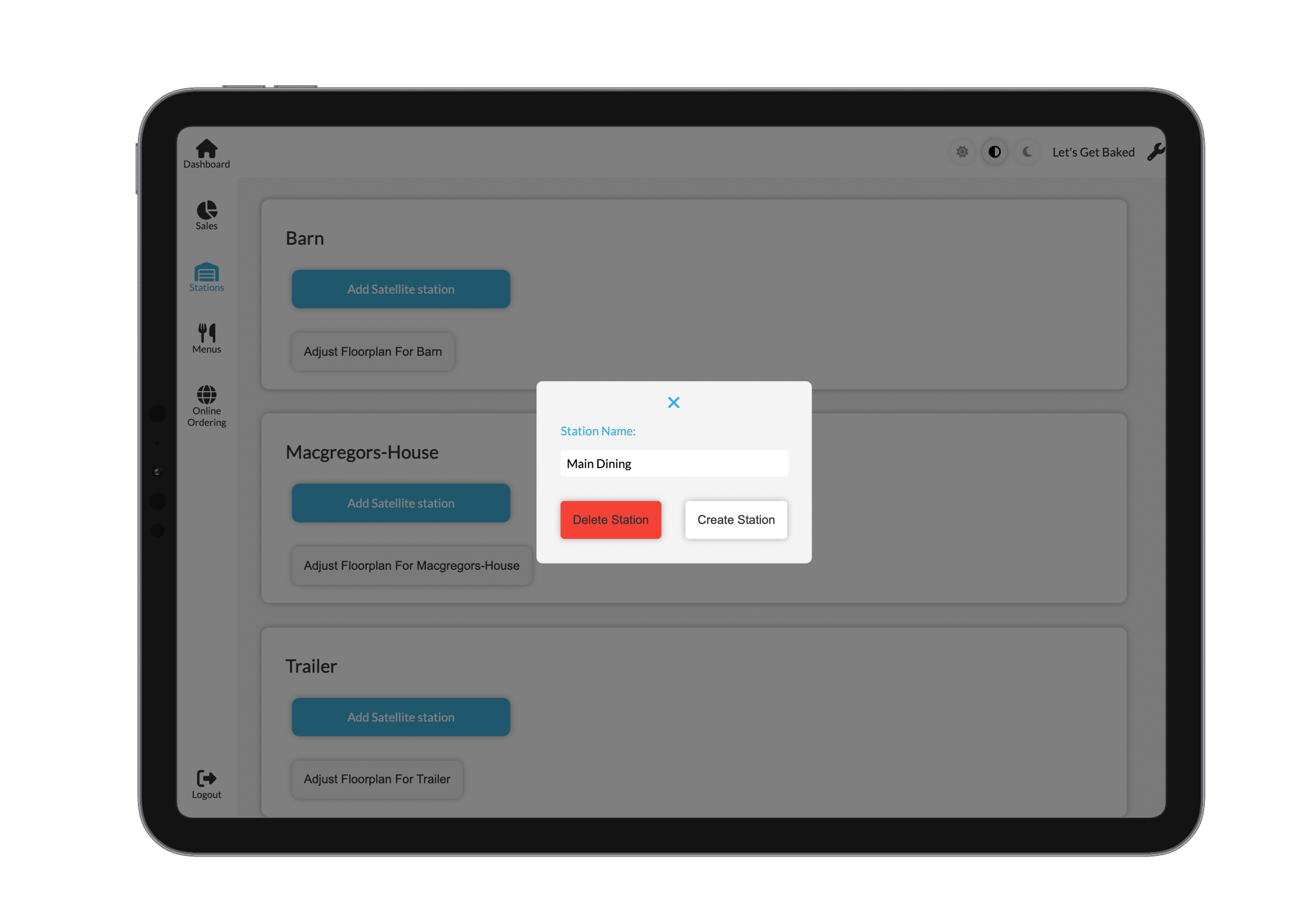
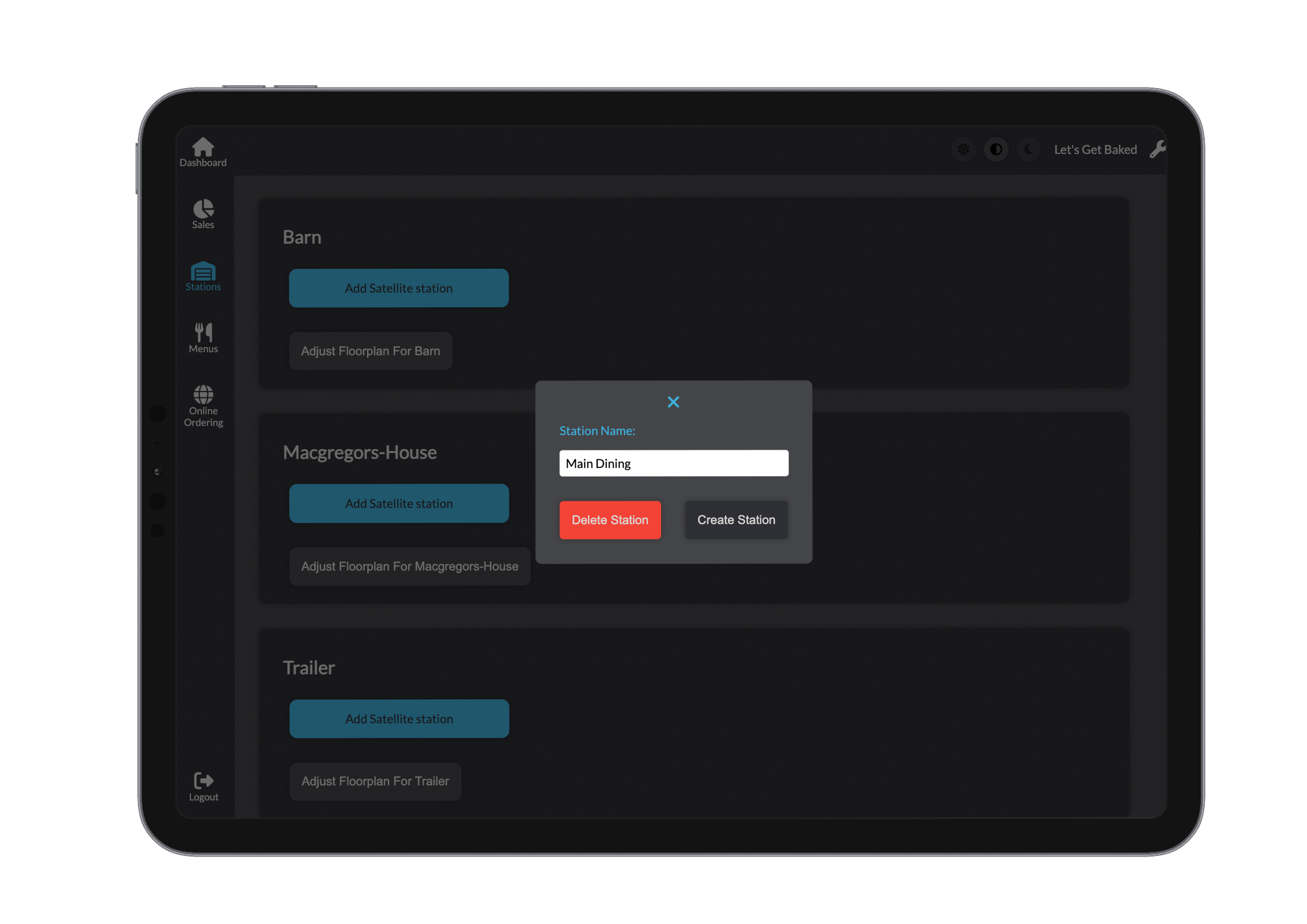
Once your station is created, you can manage its floorplan by selecting Adjust Floorplan for Site.
Floorplan Management
Our intuitive floorplan editor makes it easy to visualise and organise your dining or service area. You can create, customise, and rearrange tables to suit your space and workflow.
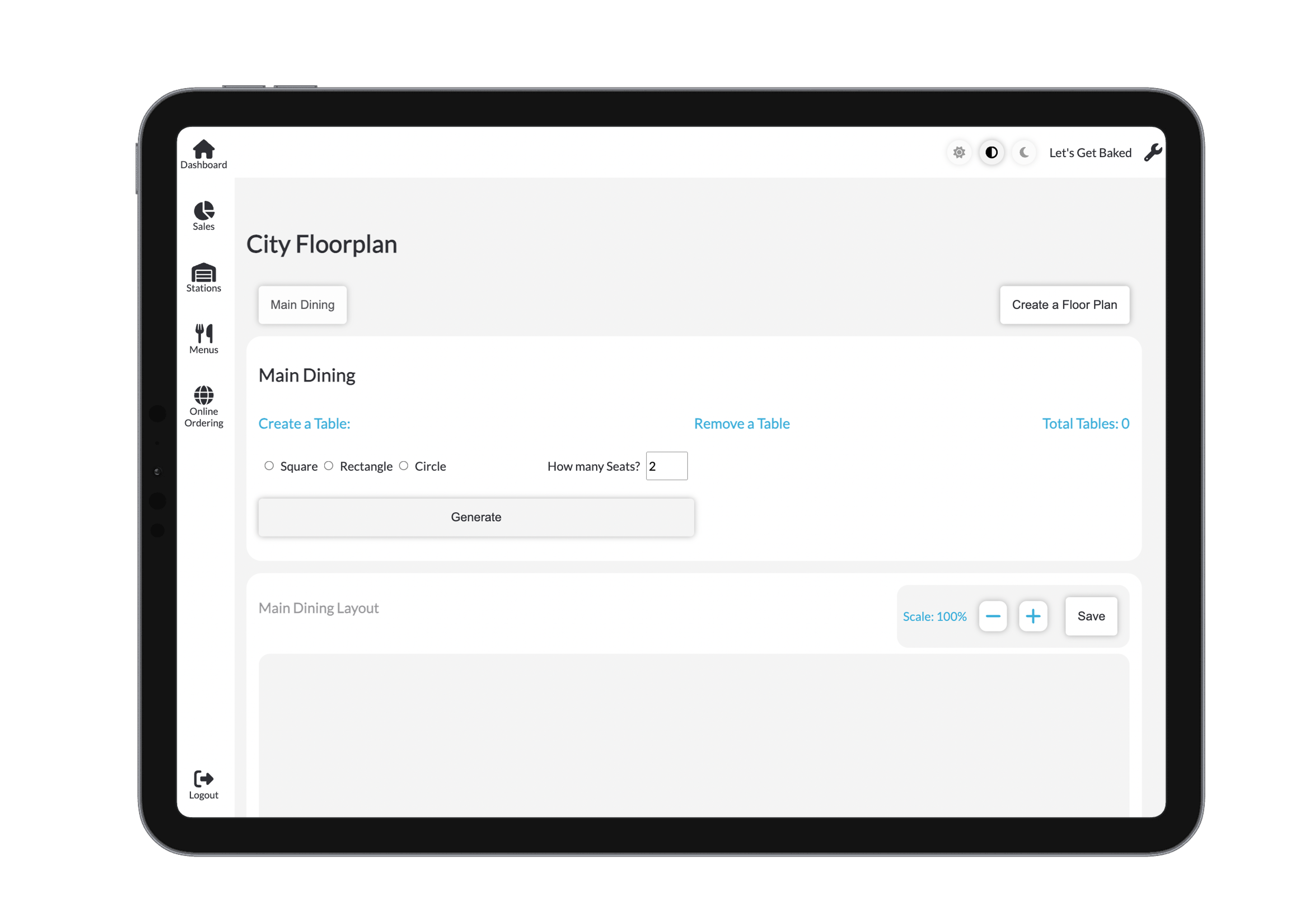
Creating or Selecting a Floorplan
Begin by choosing an existing floorplan or creating a new one.
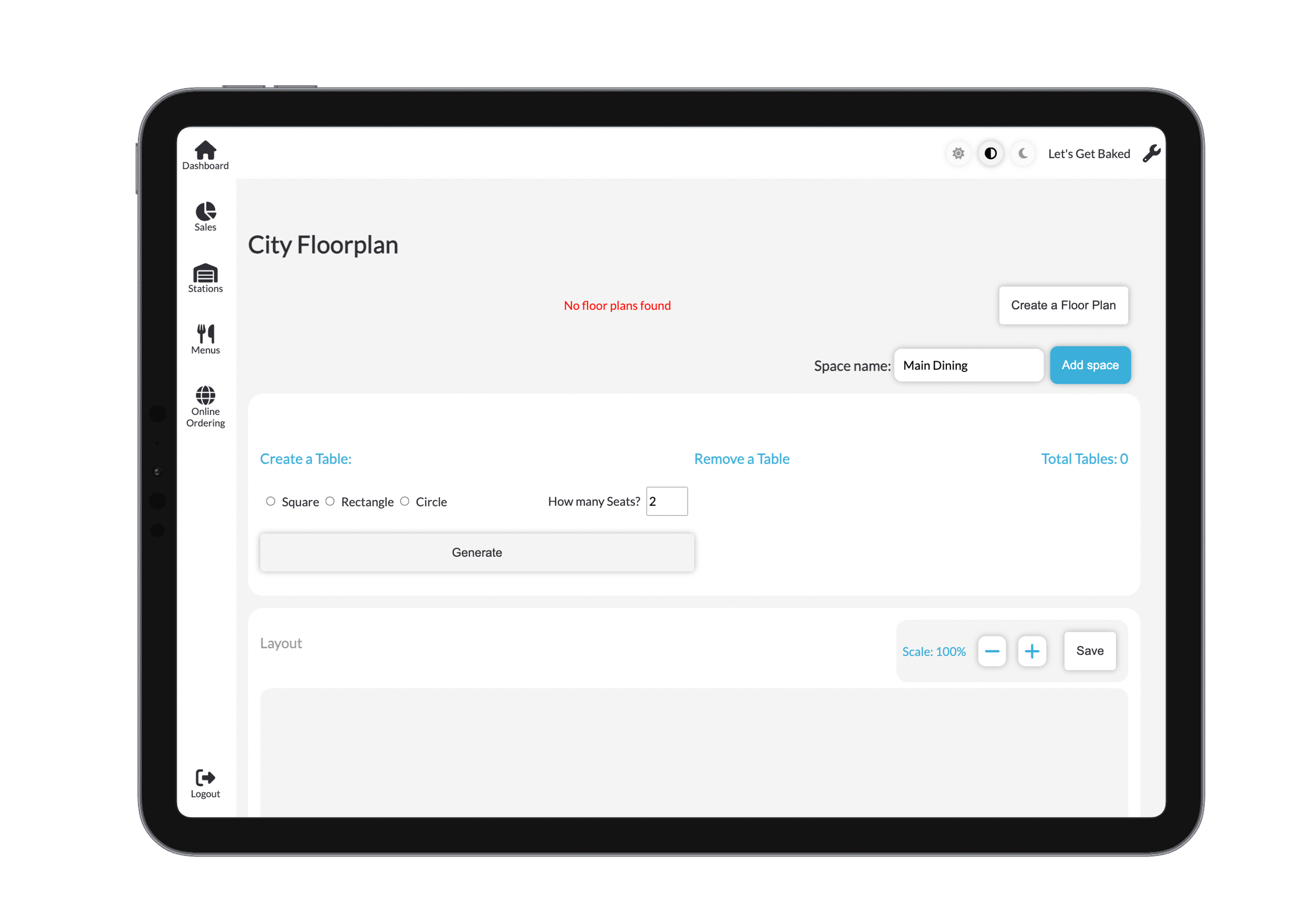
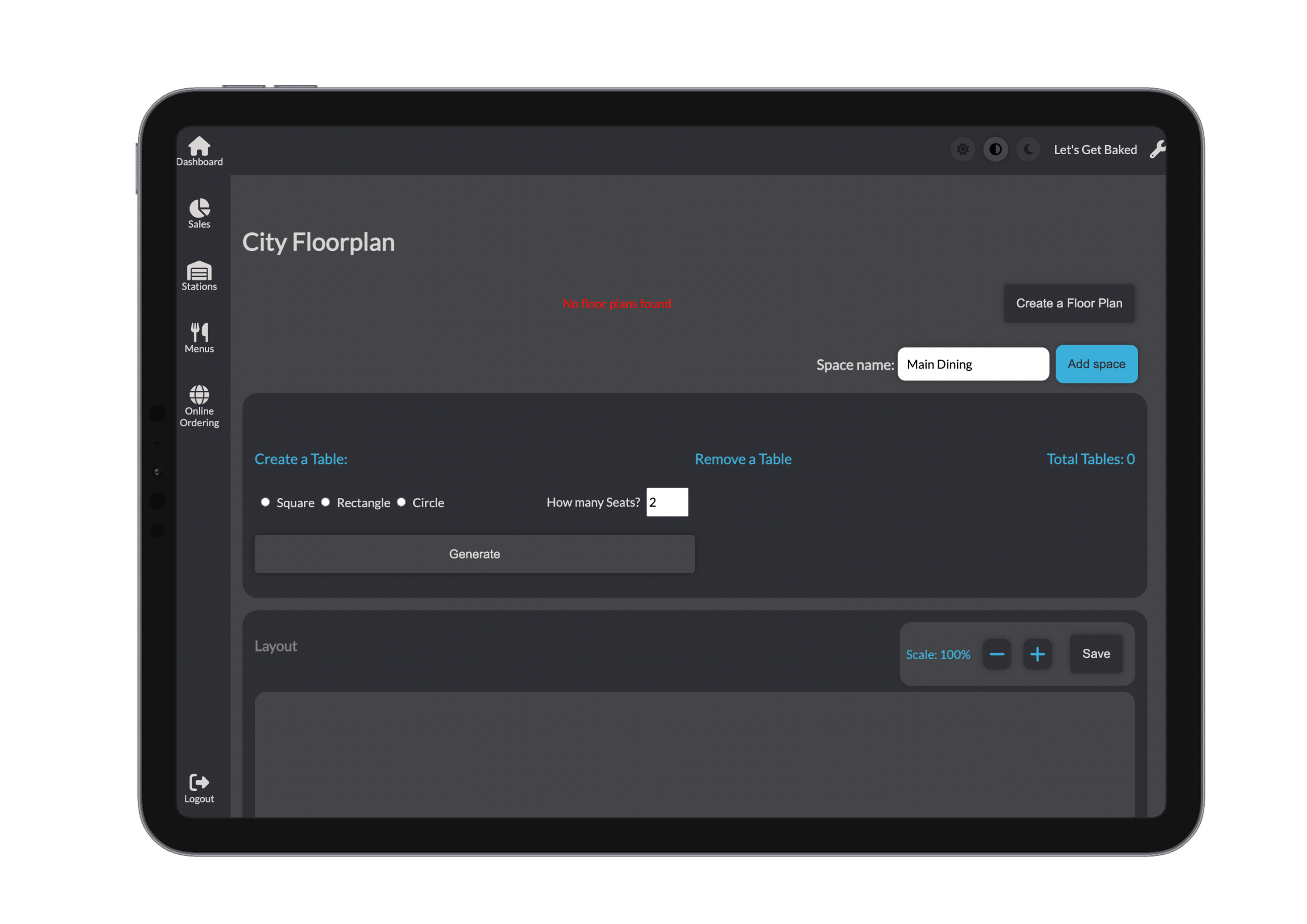
- Click Create Floorplan to start a new layout from scratch.
- Or select an existing saved layout from the list beneath the header.

Adding Tables
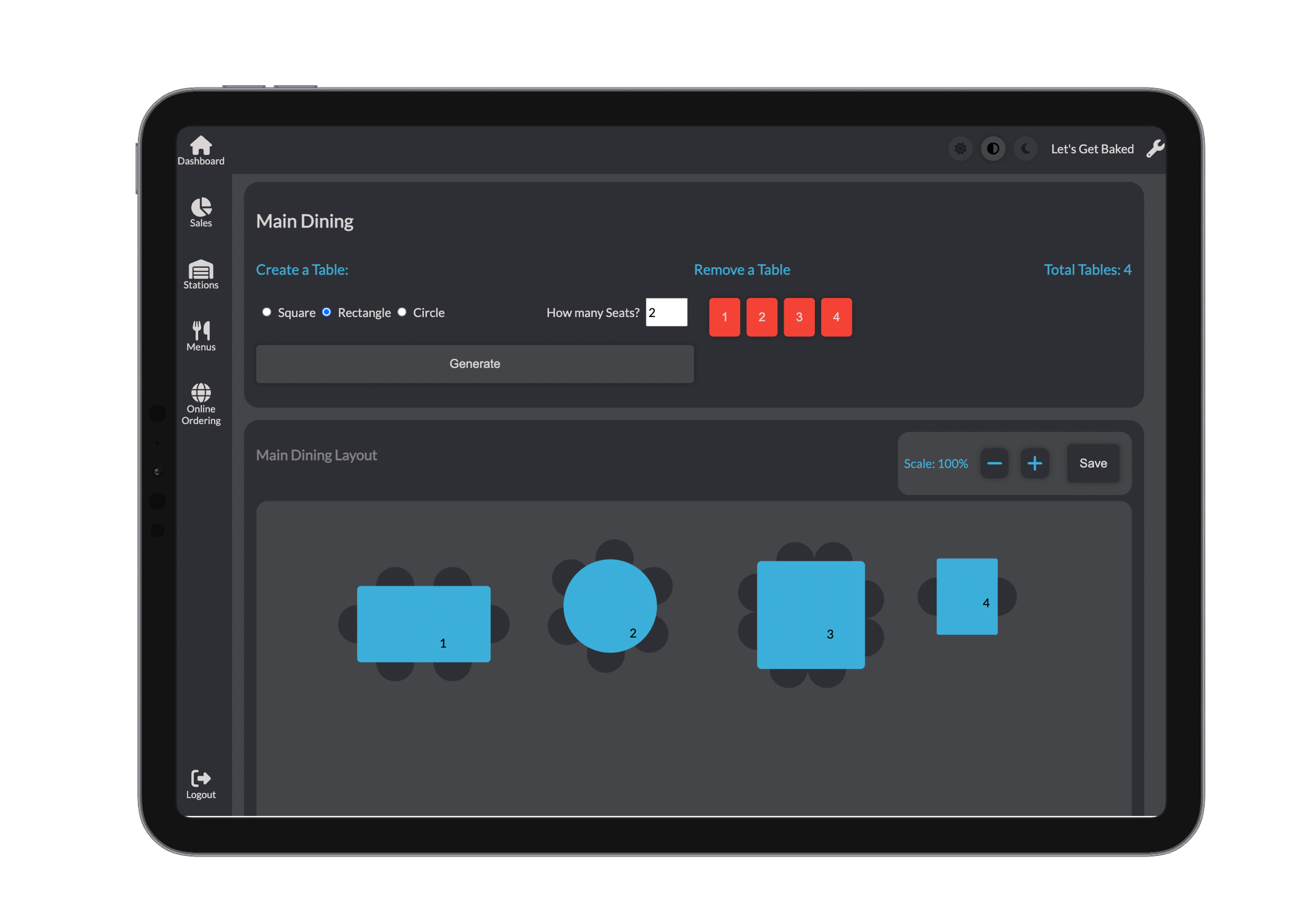
You can add tables to your floorplan in just a few clicks.
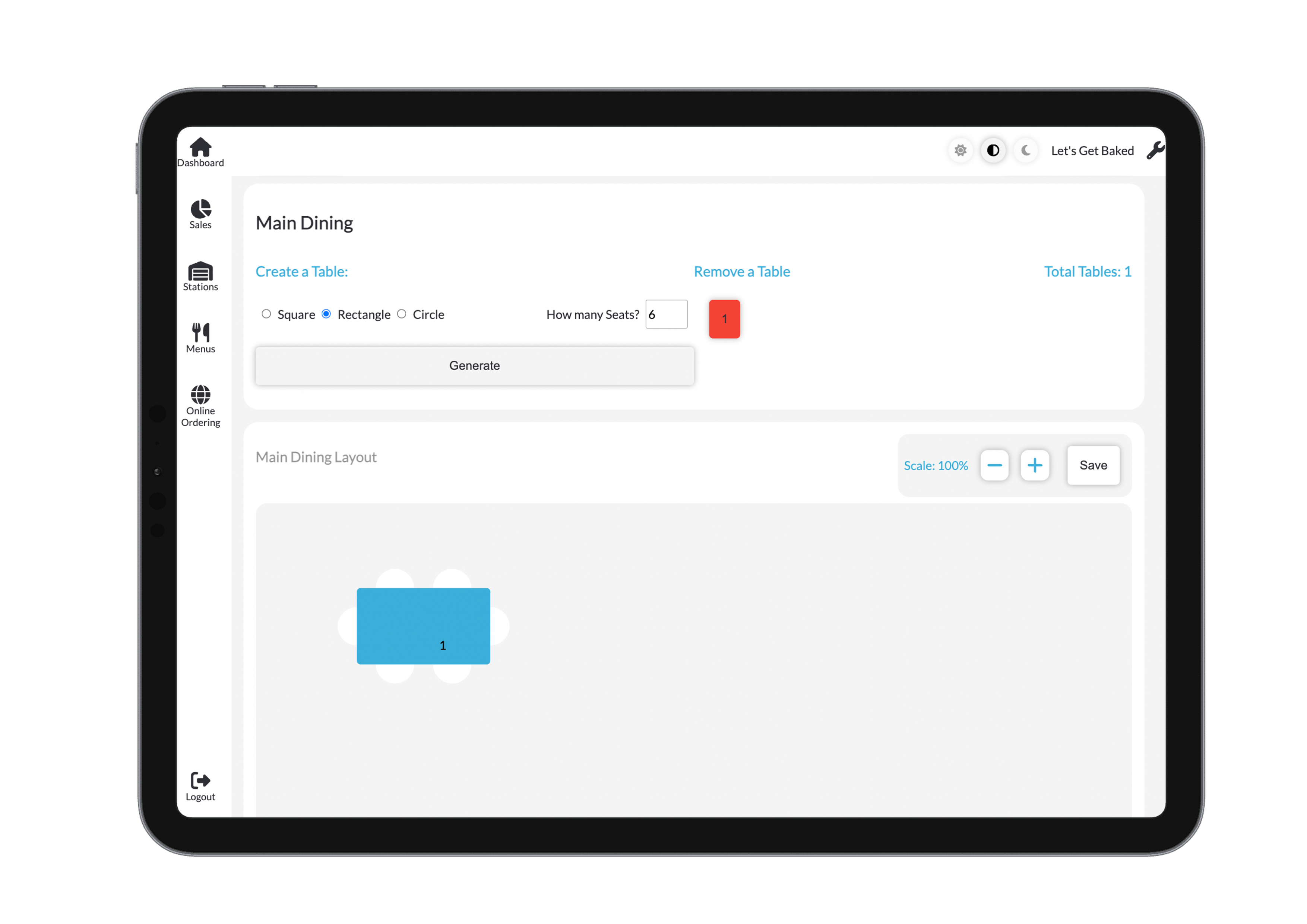
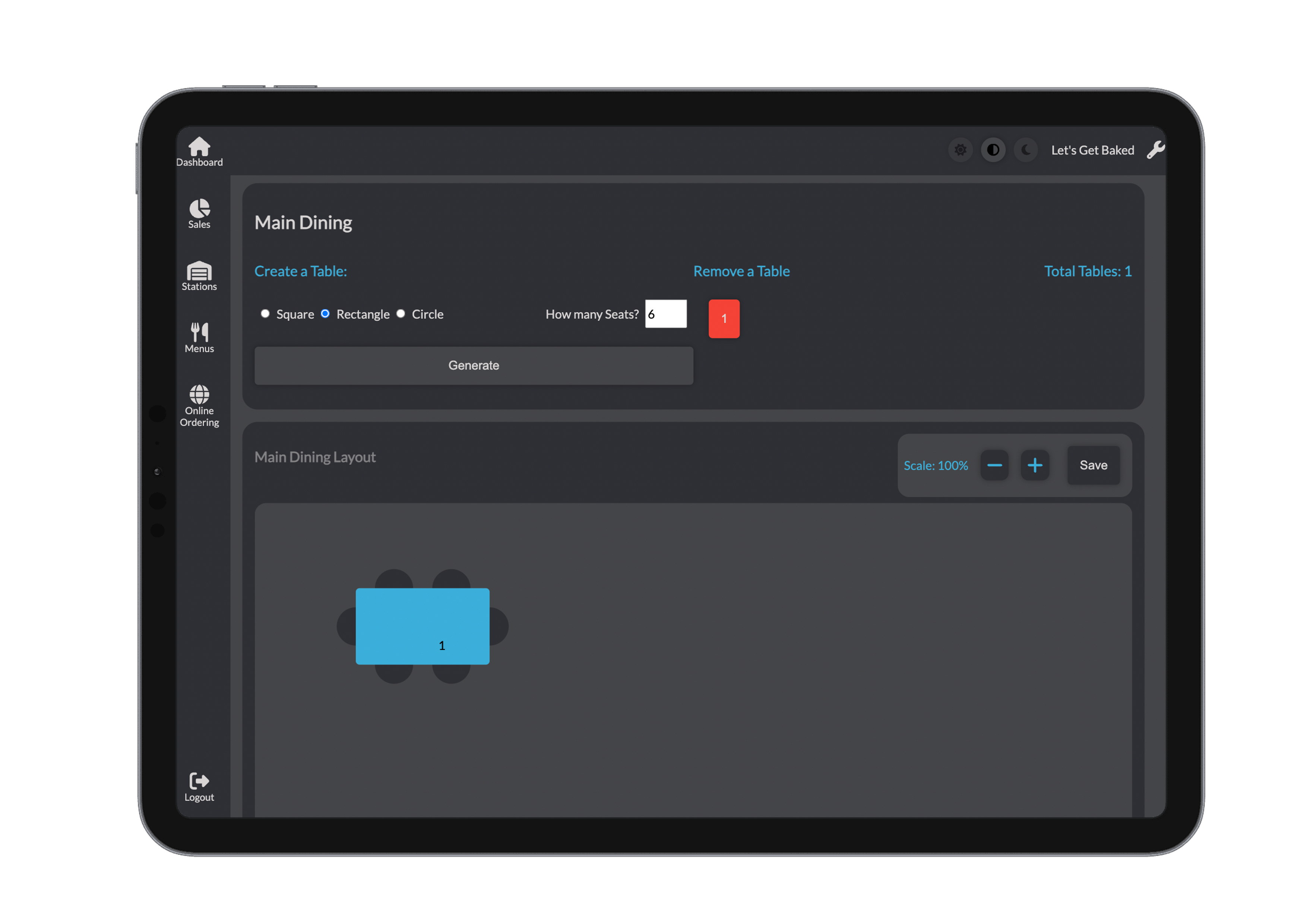
To add a table:
- Choose a shape: Square, Rectangle, or Circle.
- Select the number of chairs (options vary based on table shape).
- Click Generate to place the table on your layout.
Added tables will appear on the visual layout and in the right-hand panel, where you can manage or remove them as needed.
Adjusting the Layout
Refine your floorplan to match your physical space and service flow.
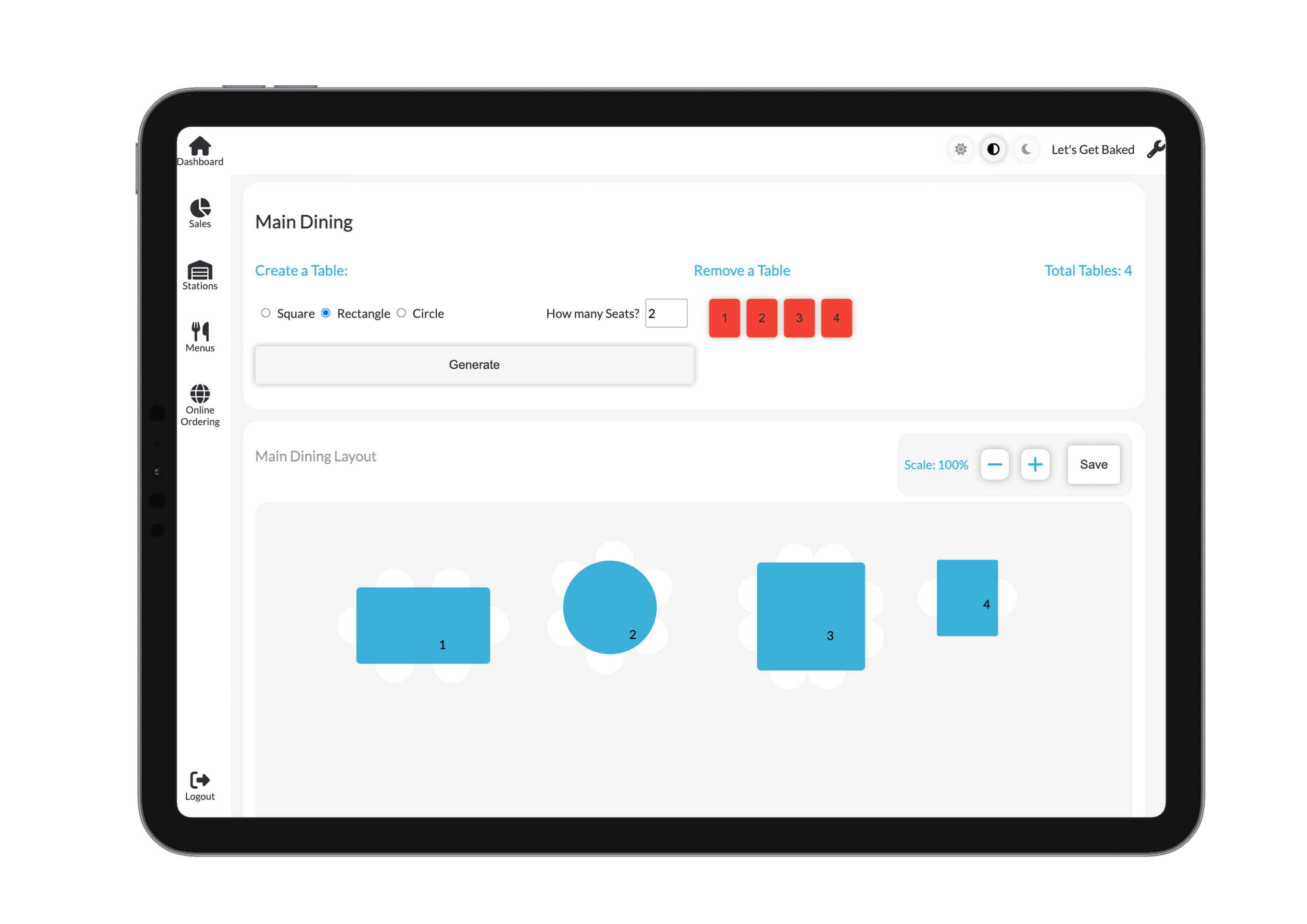
- Drag and drop tables to reposition them freely.
- Double-tap a table to rotate it.
- Use the zoom controls to scale the view for precision adjustments.
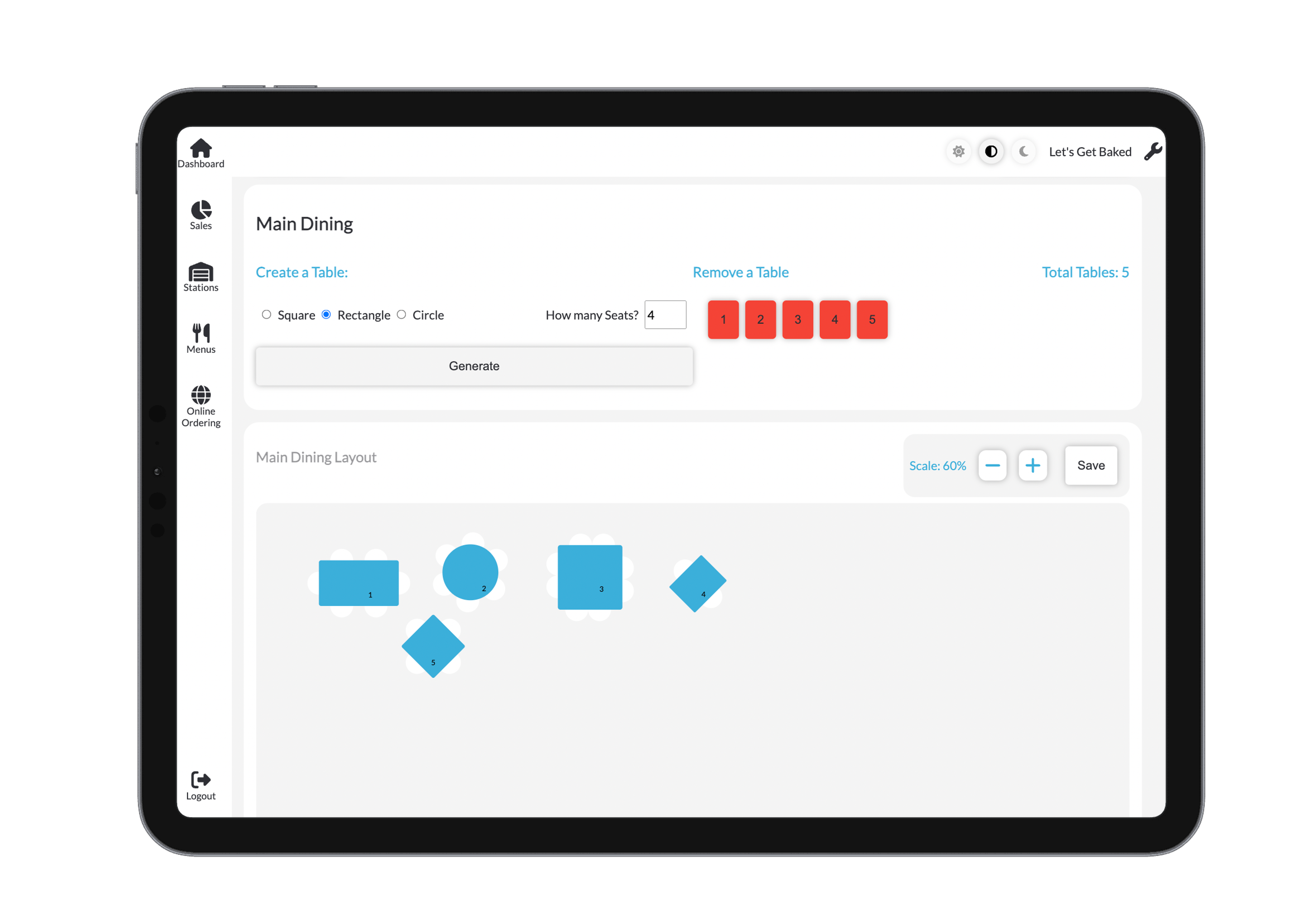
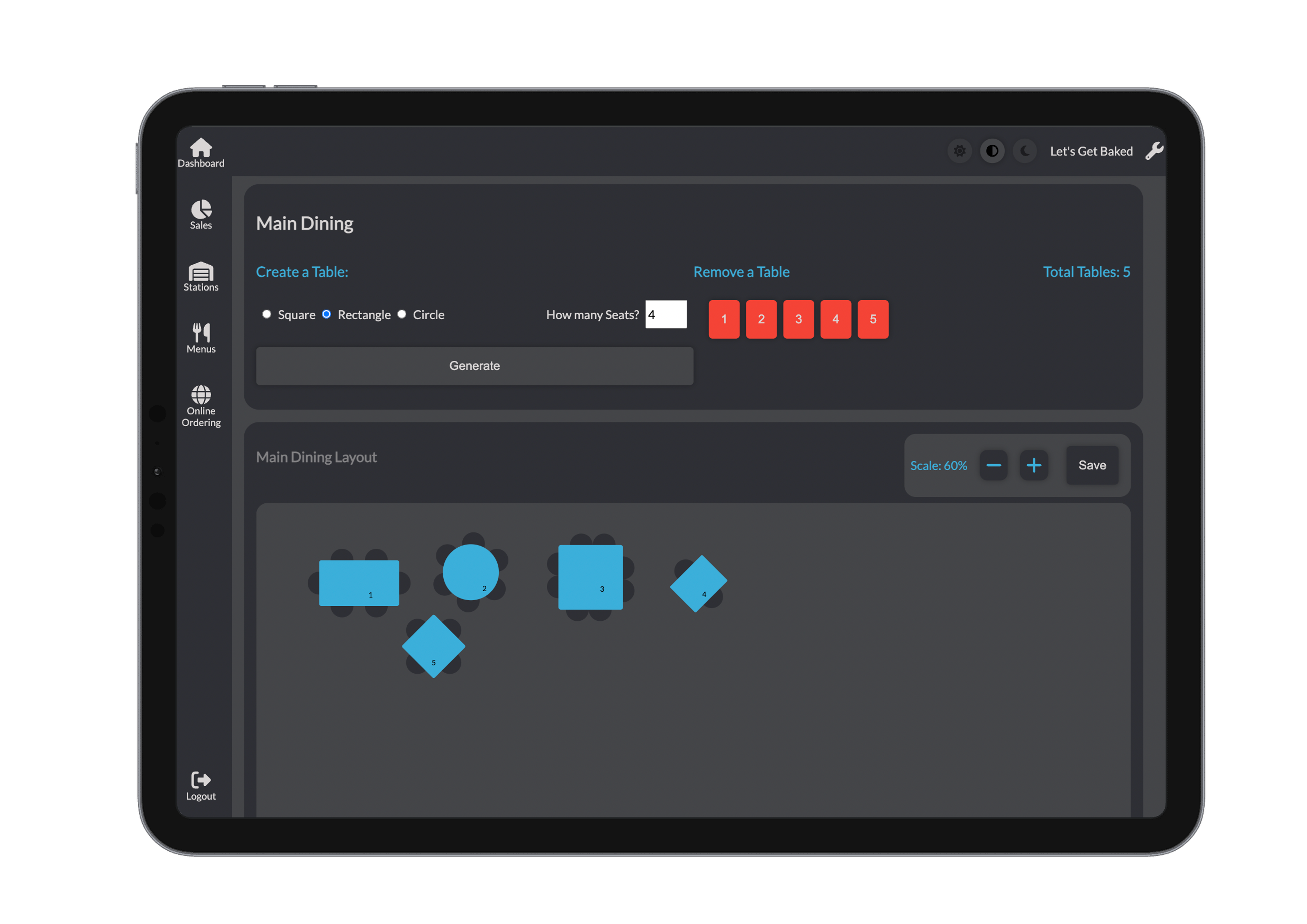
The editor automatically reflects all changes, helping you visualise your layout in real time.
Floorplan Interface Overview
The floorplan editor provides an interactive canvas that allows complete control over your venue's seating arrangement.
More detailed usage of the floorplan can be found in the Satellite section.