Companion Display
Effortless Checkout. Enhanced Experience.
The Beamy Companion is a customer-facing display that works alongside your POS to streamline checkout. It gives customers real-time visibility into their orders, reducing miscommunication and boosting confidence by keeping them informed every step of the way.
From order confirmation to receipt delivery, the Companion helps create a seamless, transparent, and modern service experience.
Key Features
Live Order Display
Mirrors the POS cart in real time so customers can follow their order as it’s entered.POS Integration
Seamlessly syncs with your POS via station settings, ensuring accurate, consistent data across devices.QR Code Receipts
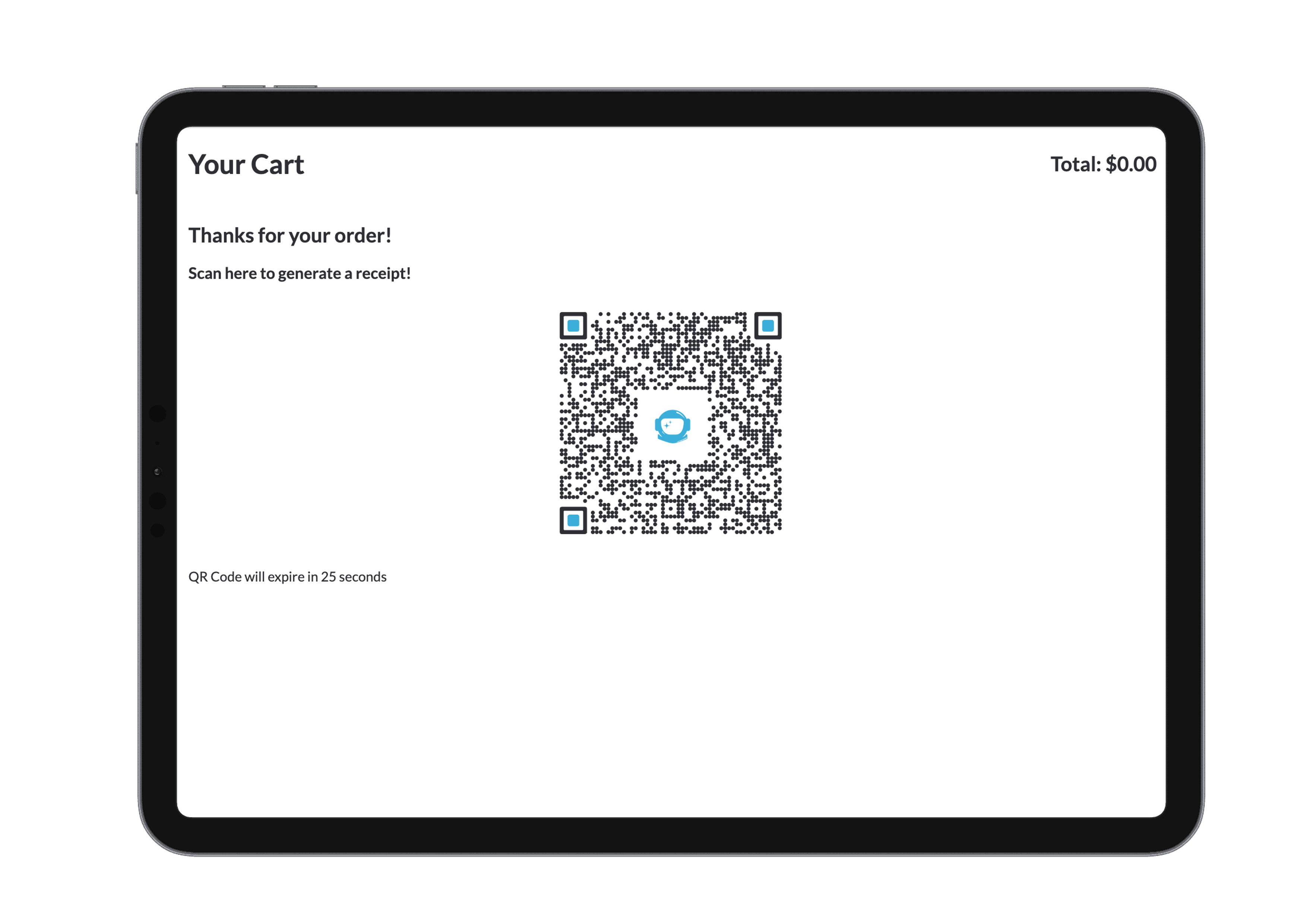
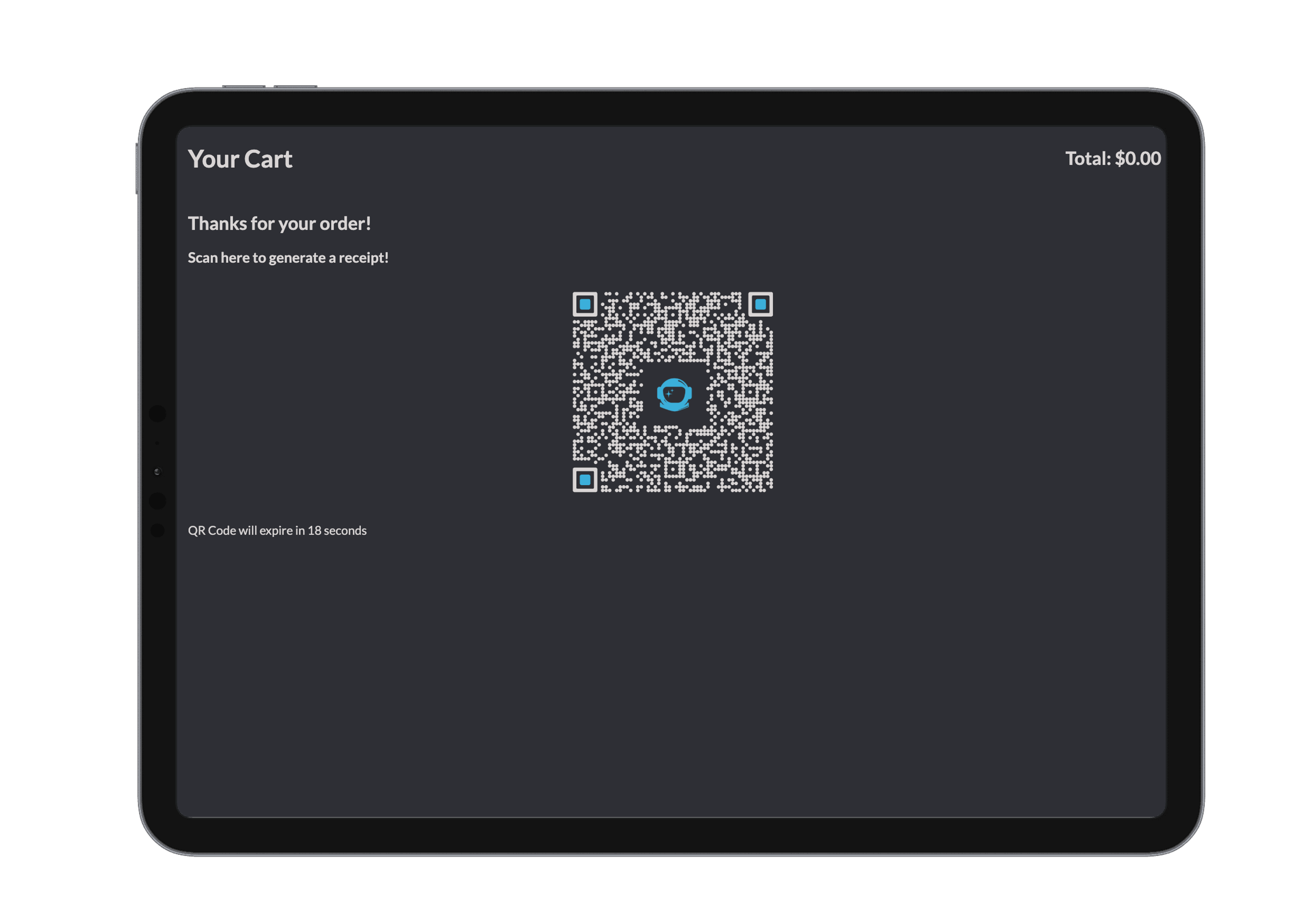
After checkout, a QR code is generated for customers to instantly save or view their digital receipt.Flexible Login Options
Log in directly via the Companion app or use a secure code generated from Beamy Bridge.Easy Logout
Quickly disconnect or switch stations with just a few taps.
Logging In
Option 1: On the Companion Device
- Open the Beamy Companion app.
- Log in using your email and password.
- Choose the correct site and station to link with your POS.
Option 2: From Beamy Bridge
- Open the Beamy Bridge app.
- Navigate to:
Settings → Site → Station - Click Generate Login Code and enter it on the Companion device.
- To log out or switch stations, repeat the process.
During Checkout
As items are added to the order, the Companion instantly displays them on the screen, allowing customers to review their purchase in real time. This helps prevent errors and increases order accuracy.
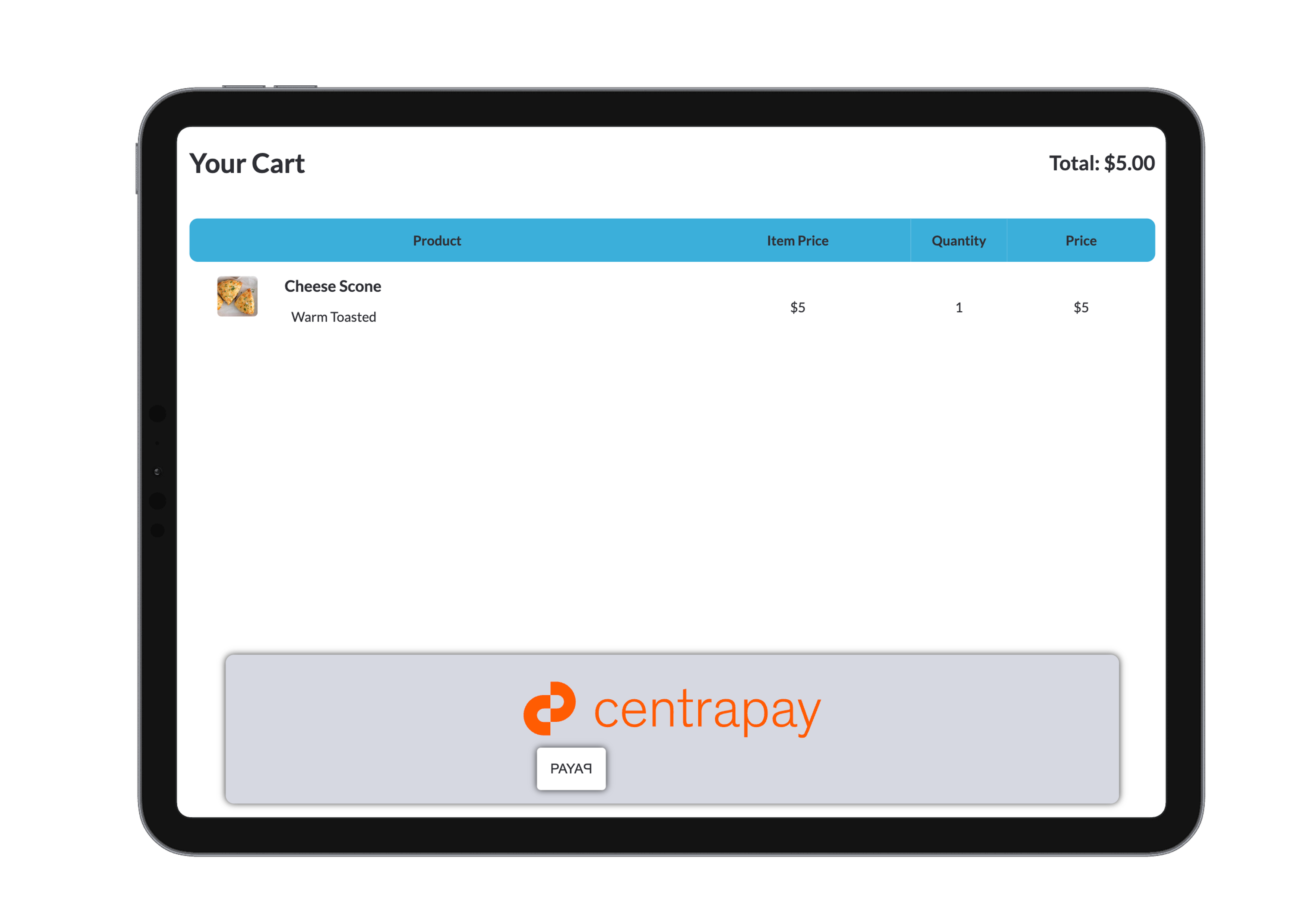
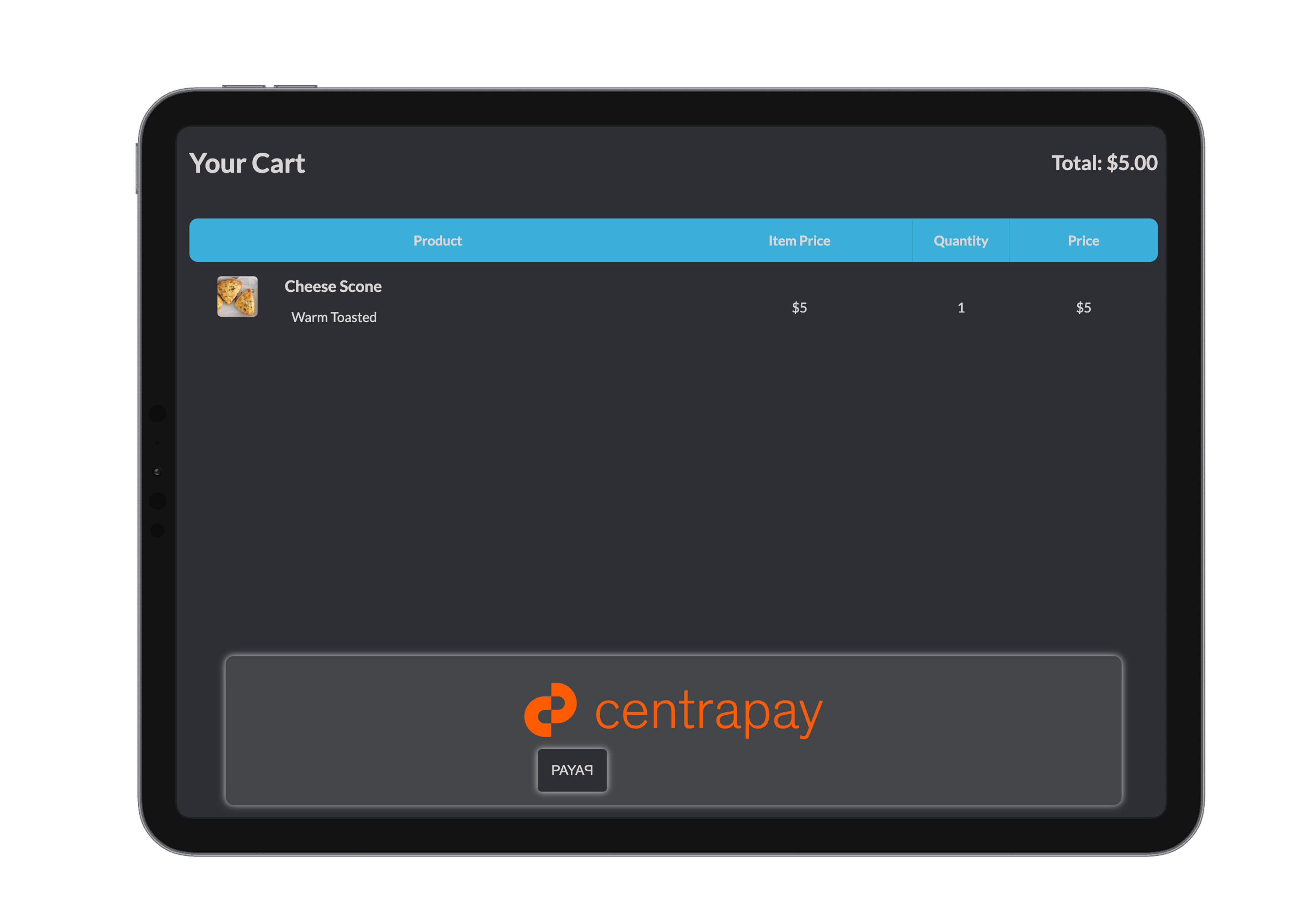
If Centrapay is enabled, customers can tap the Centrapay button on the Companion to display a scannable QR code for instant mobile payment.
After Checkout
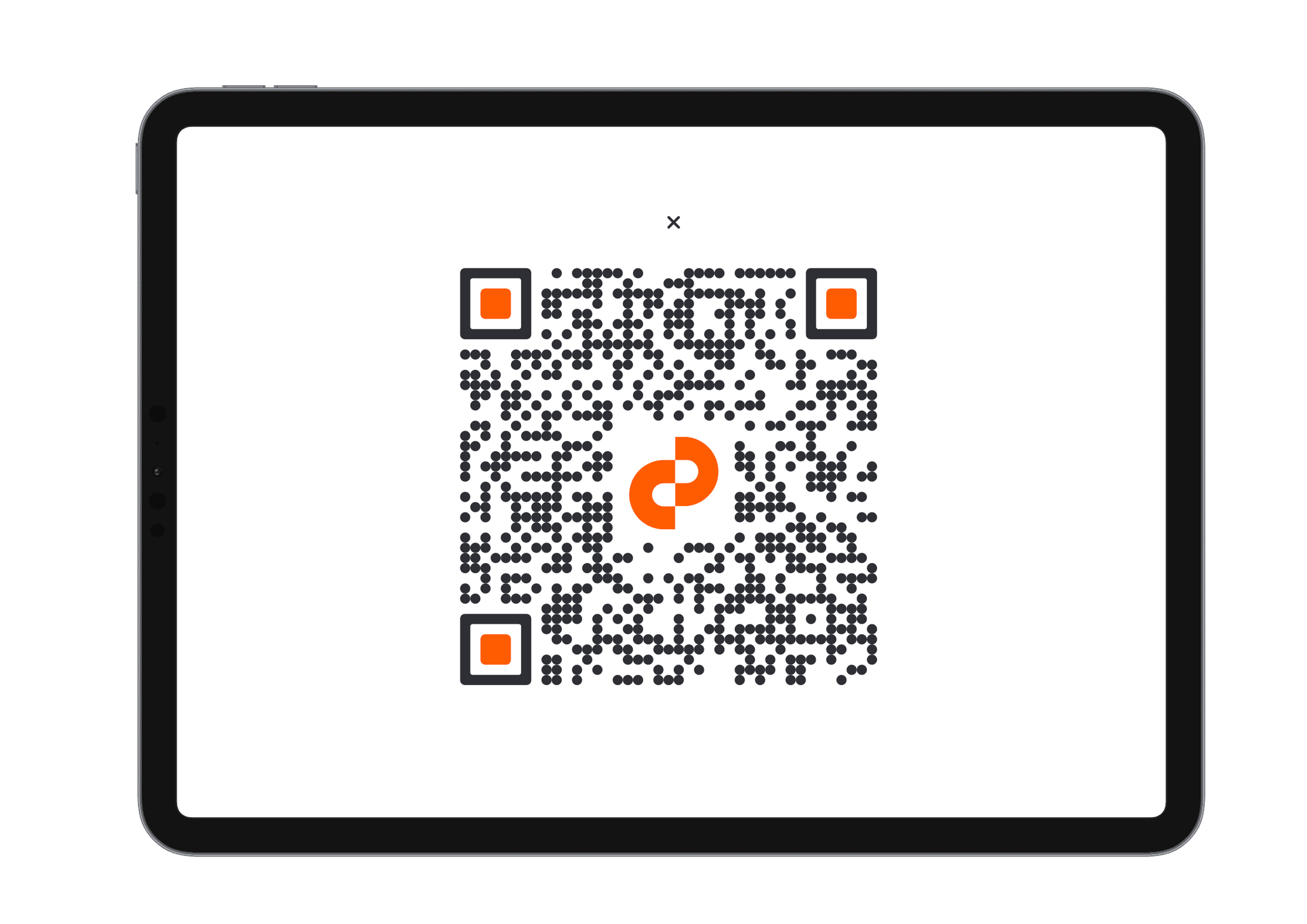
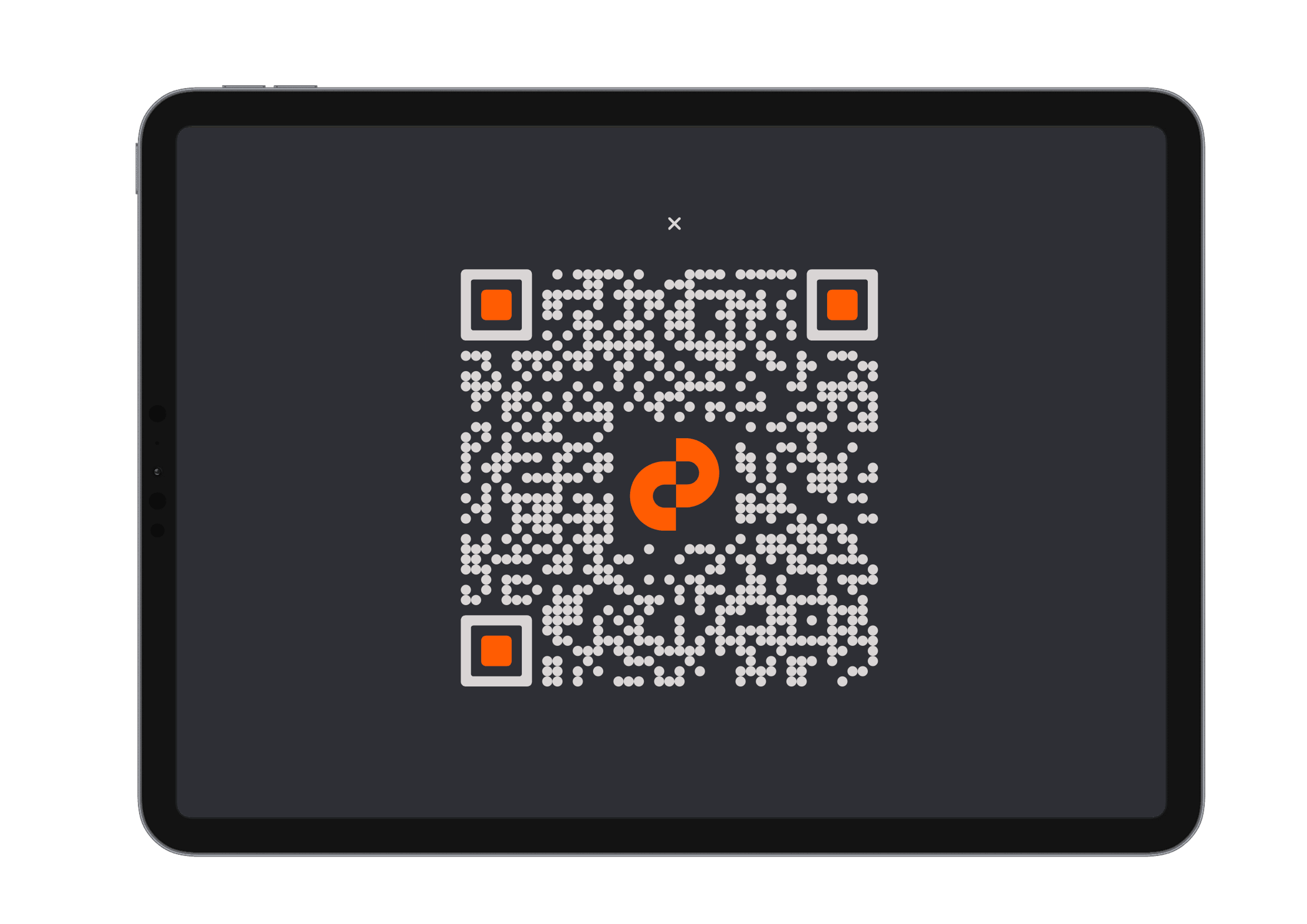
Once the order is completed in the POS, the Companion automatically displays a QR code receipt.
Scan to Save
Customers can scan the QR code to view or download their digital receipt to their phone.Optional Centrapay Payment
If enabled, Centrapay QR codes can also be presented at this stage for a fast, contactless payment option.
The Beamy Companion enhances your POS system by making checkout clearer, faster, and more professional—for both your team and your customers.