SmartPay
Connecting to the Terminal
Once you have navigated to the Payment Terminal Settings page:
- Select the SmartPay option (look for the SmartPay logo).
- Press Confirm.
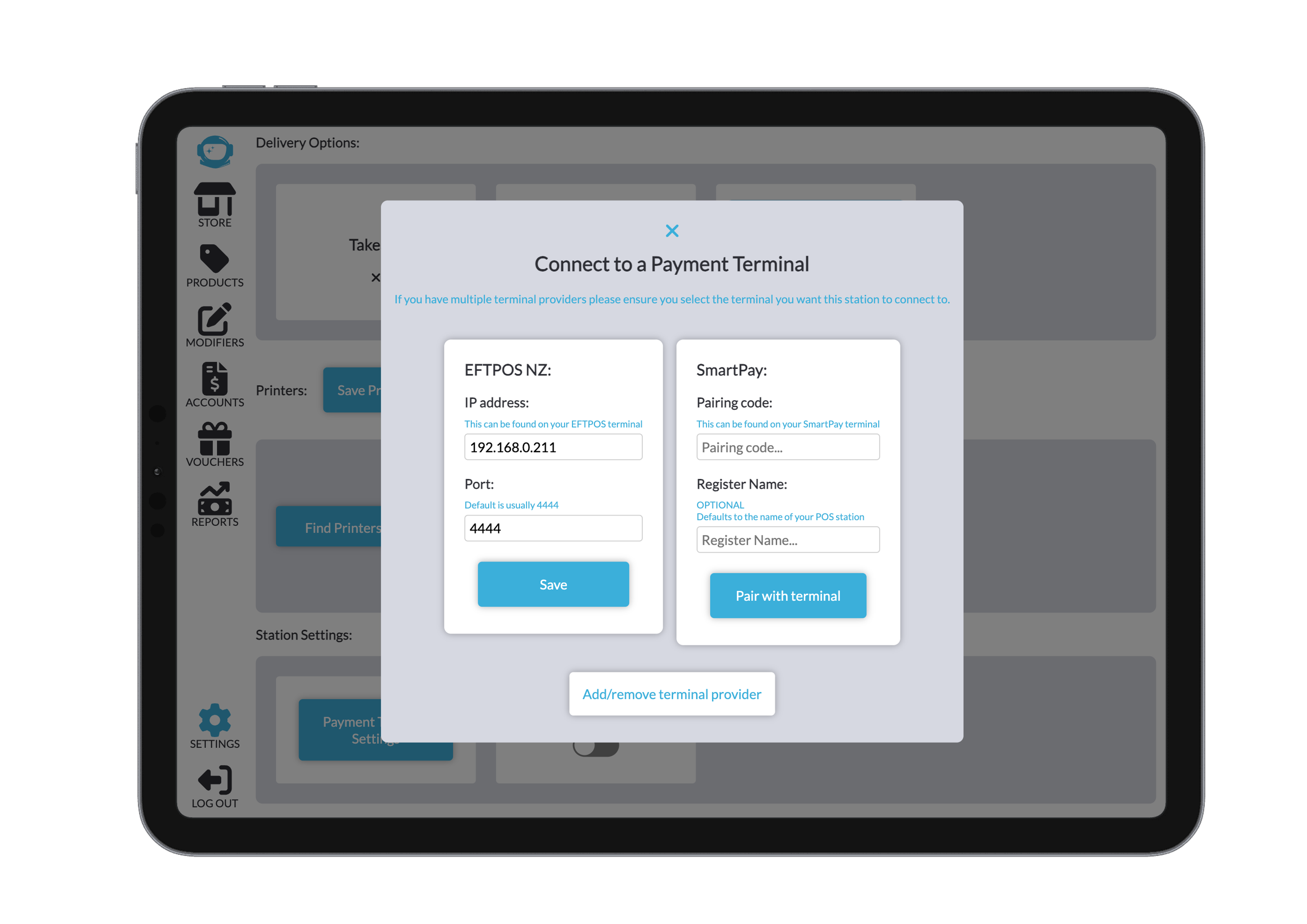
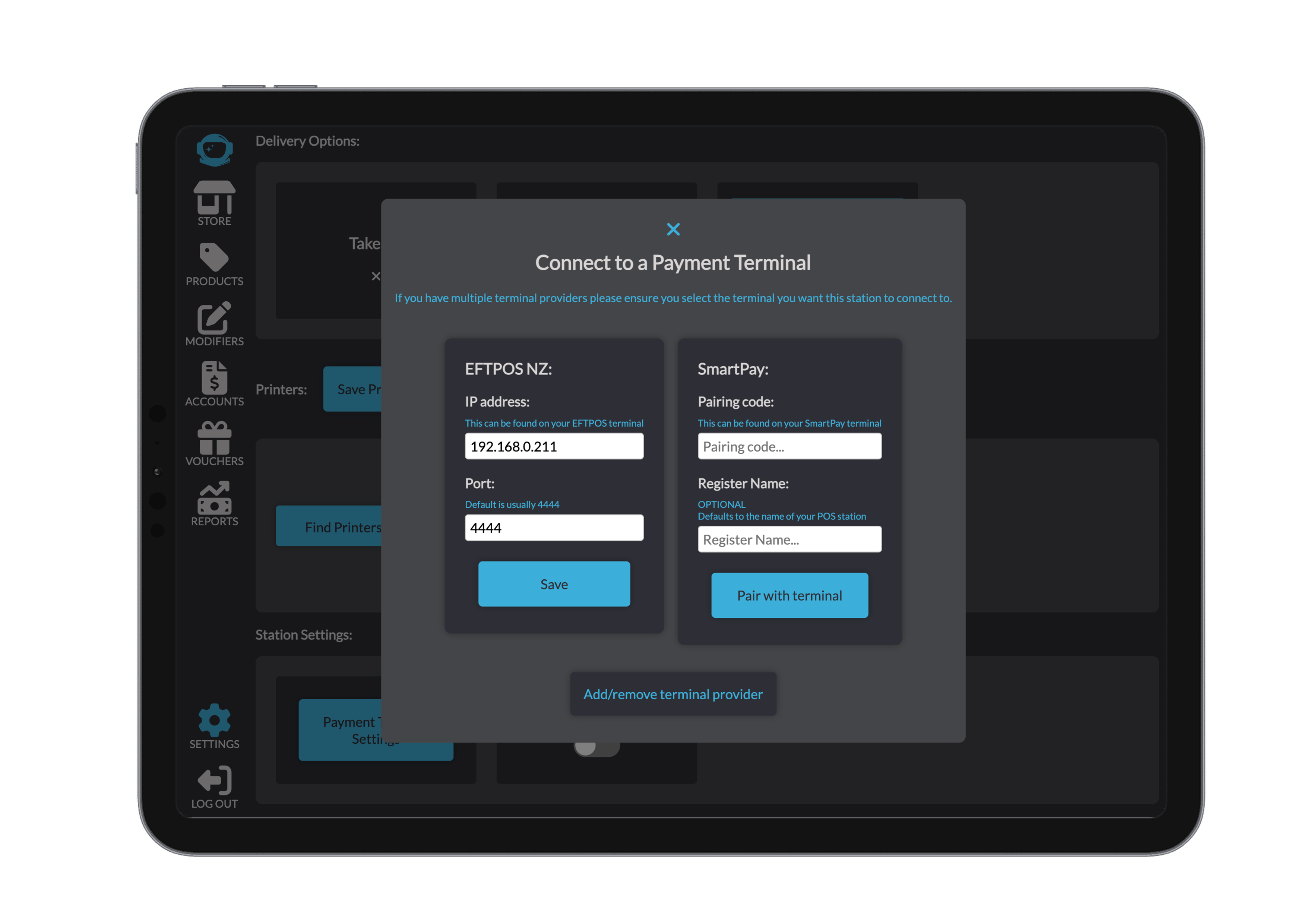
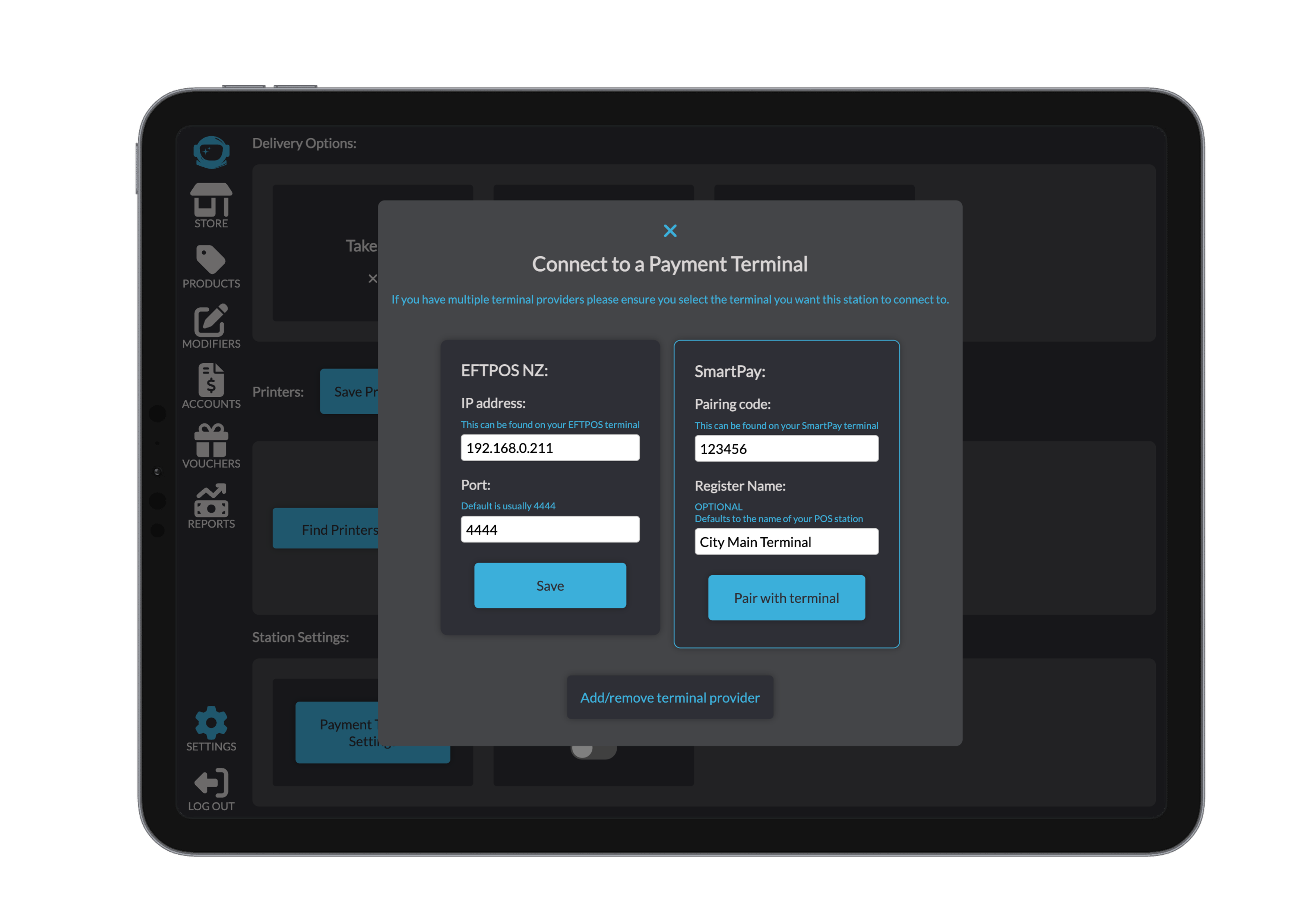
- A setup window will appear displaying the required SmartPay terminal inputs.
- Enter the following details:
- Pairing Code:
This code comes directly from your SmartPay terminal.The pairing code is required to link the terminal and must match exactly.
- Register Name:
An optional field that defaults to the name of your Point of Sale station.
You may customise it if you wish.
- Pairing Code:
- Once all details are entered, click Pair with Terminal.
Important:
The terminal you want to use must be the last one selected before exiting the modal.
Beamy will always attempt to connect to the most recently selected terminal configuration.