Creating a Beamy Account
Getting started with Beamy begins by creating your business account. Follow the steps below to set up and verify your account.
Step 1: Go to the Sign-Up Page
From the landing page, click on Create Account.
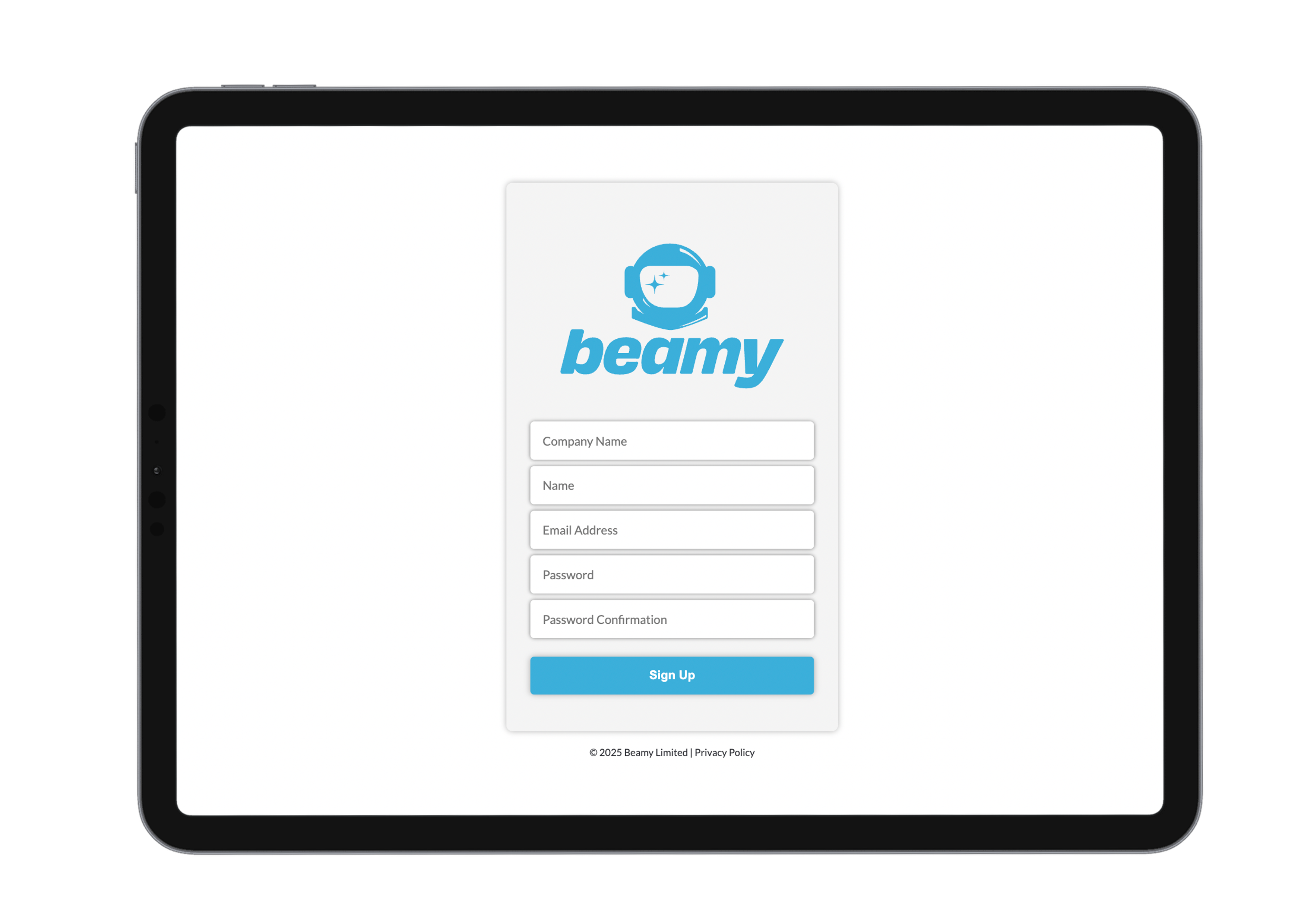
Step 2: Enter Your Business Information
Fill in the required fields such as your company name, email address, and other setup details.
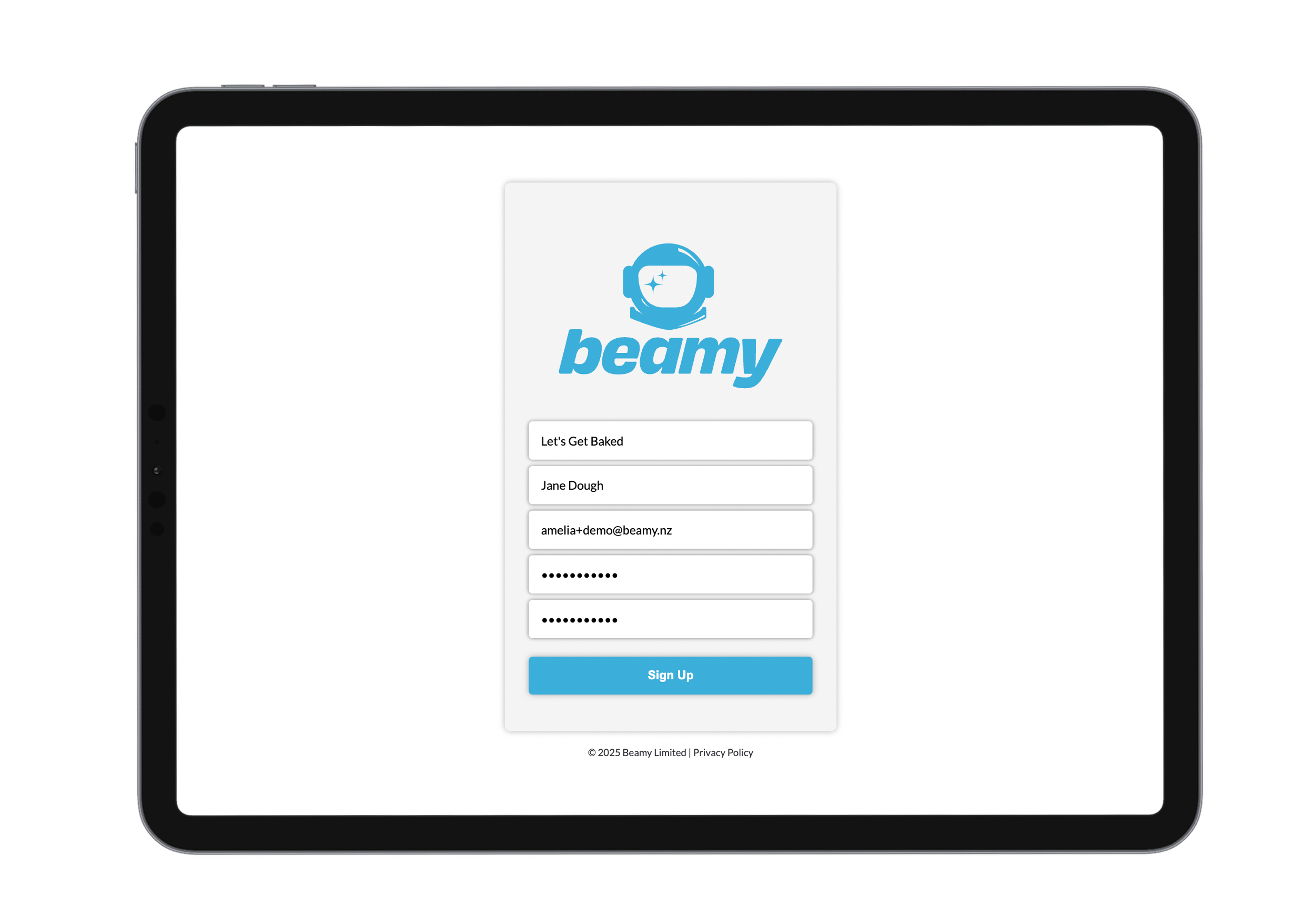

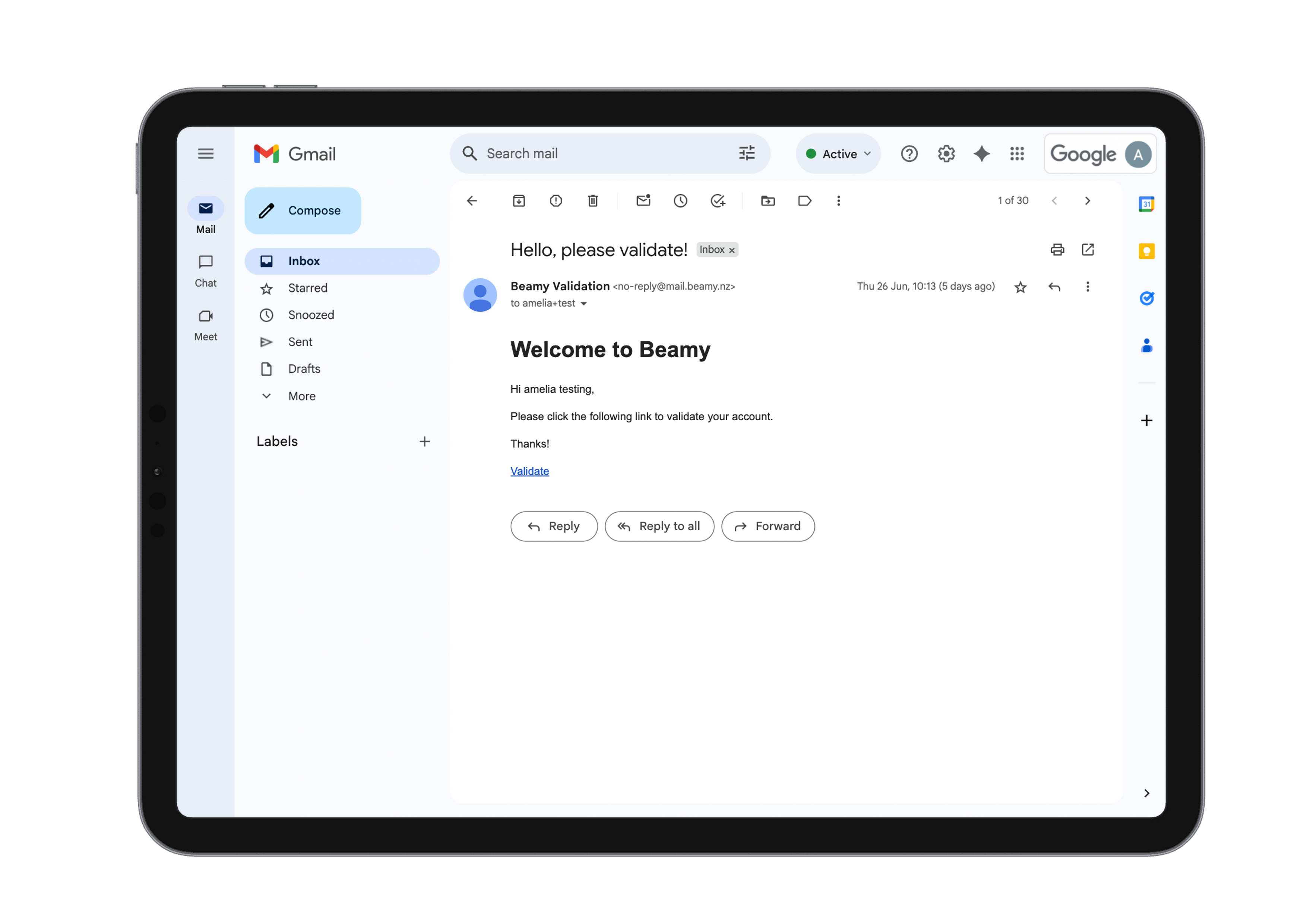
Step 3: Validate Your Email
After submitting your details, you’ll receive a confirmation email. Open it and click the Validate Account link to confirm your registration.


Step 4: Log In
Once your account is validated, return to the login page and sign in to access your Beamy dashboard.
See Bridge for information about the Dashboard and how to use Bridge.