Build Account Details
To get started with Beamy, you’ll need to set up your account and log in.
Click here to learn more about the account setup process
Once you're signed in to your company account, you’ll be directed to the main dashboard:
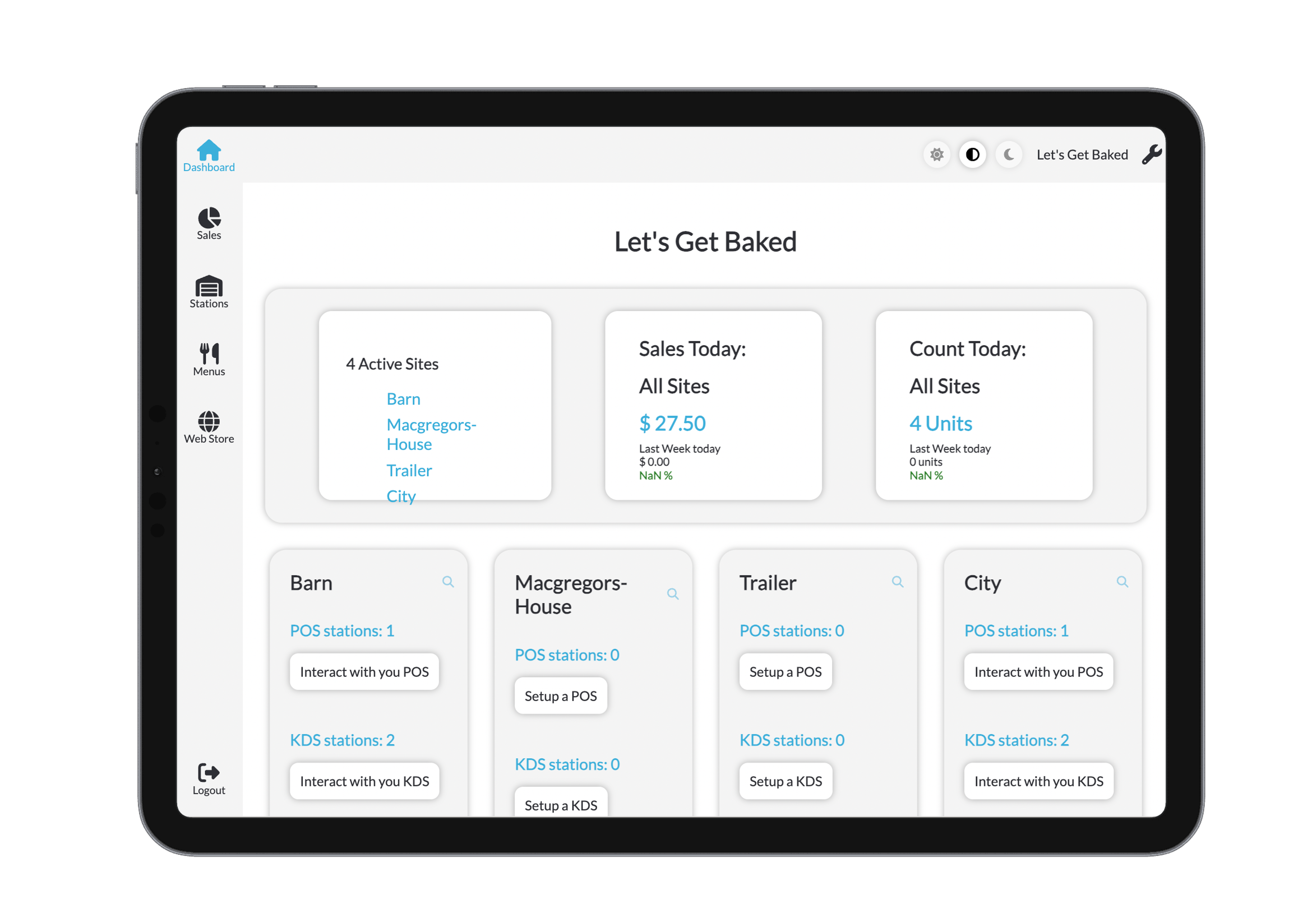
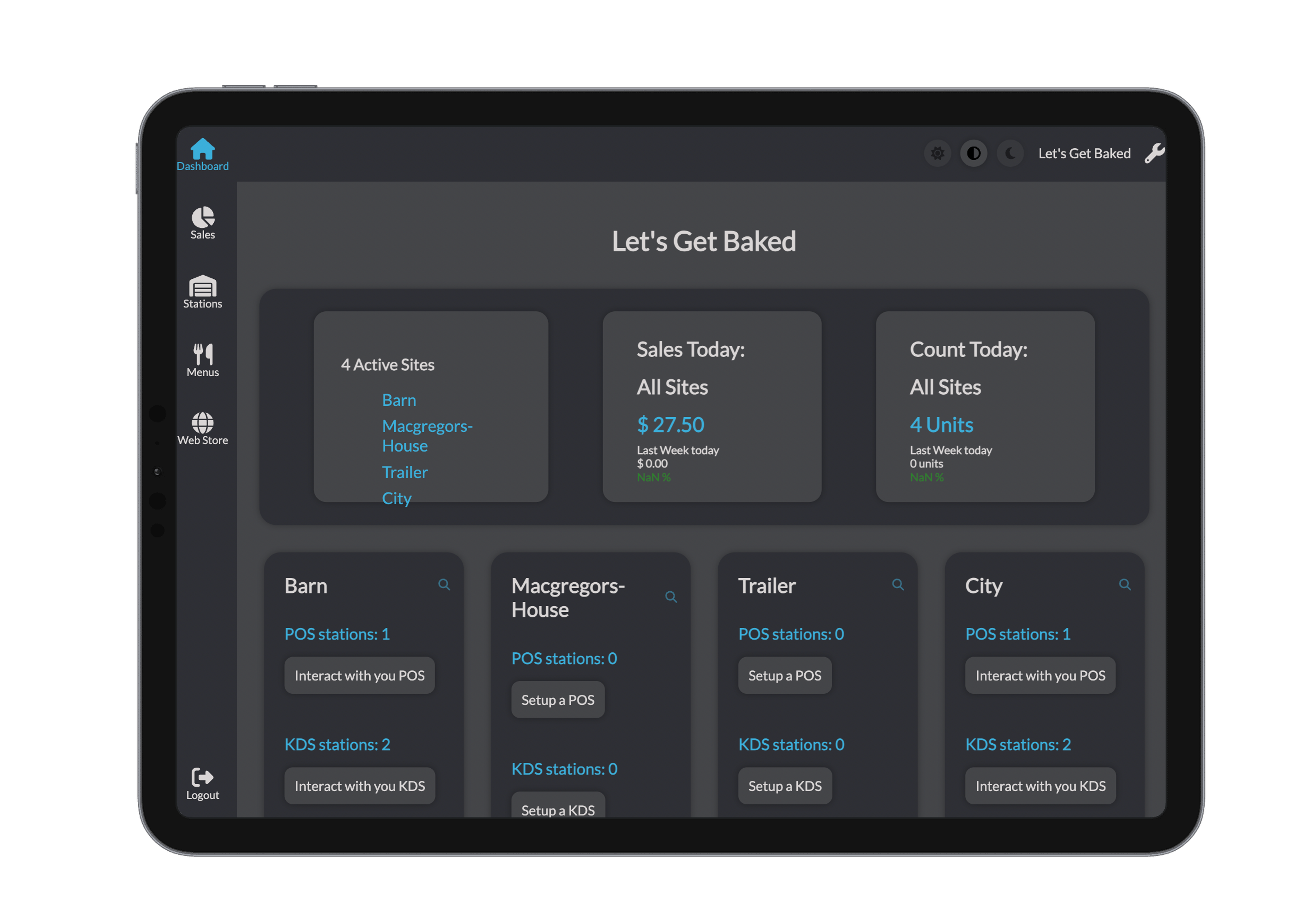
Personalise Your Settings
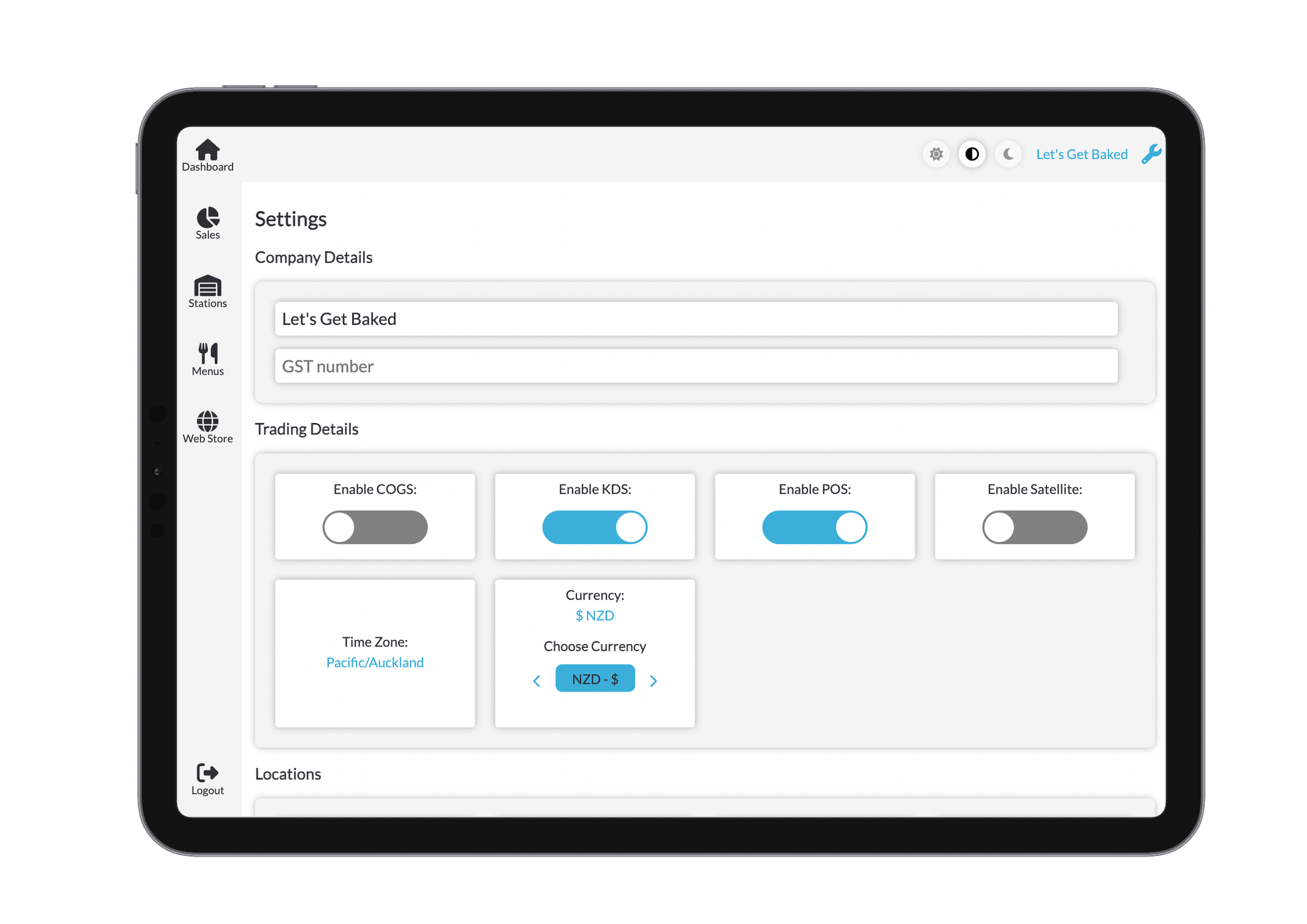
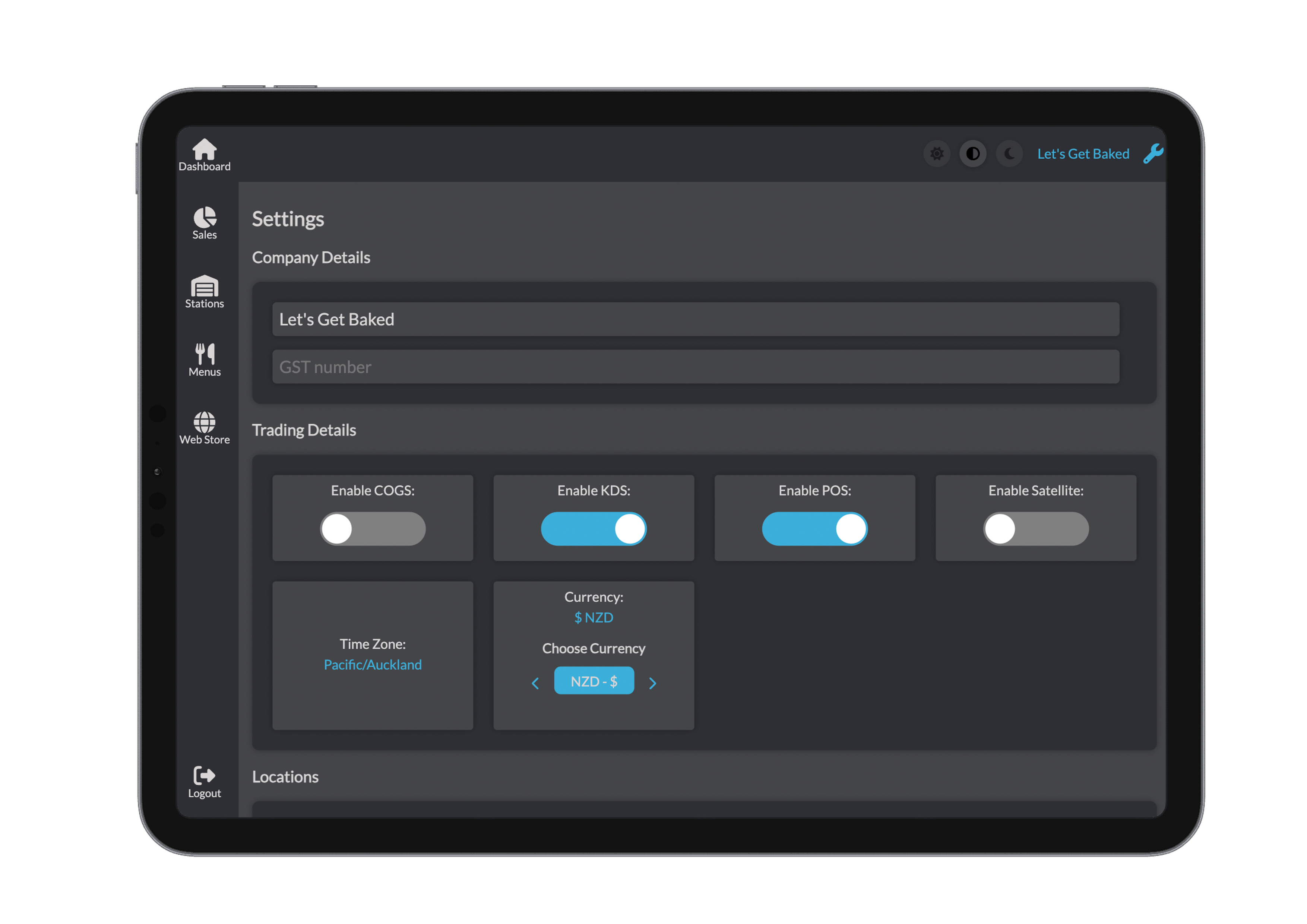
Click on the spanner icon in the top right hand corner to be taken to the settings page.
These settings tailor Beamy to your specific business needs:
Company Details
- Business Name
- GST Number
Trading Details
- Time Zone
- Currency
Add sites and users here. Each new user will receive a validation email to complete their setup.
Billing
- Verify Billing Information
Ensure your billing info is accurate before continuing.
Click here for more specific Billing information.
Site-Specific Settings
- Operating Hours
- Region
- Feature Toggles (e.g. training mode, print settings, etc.)
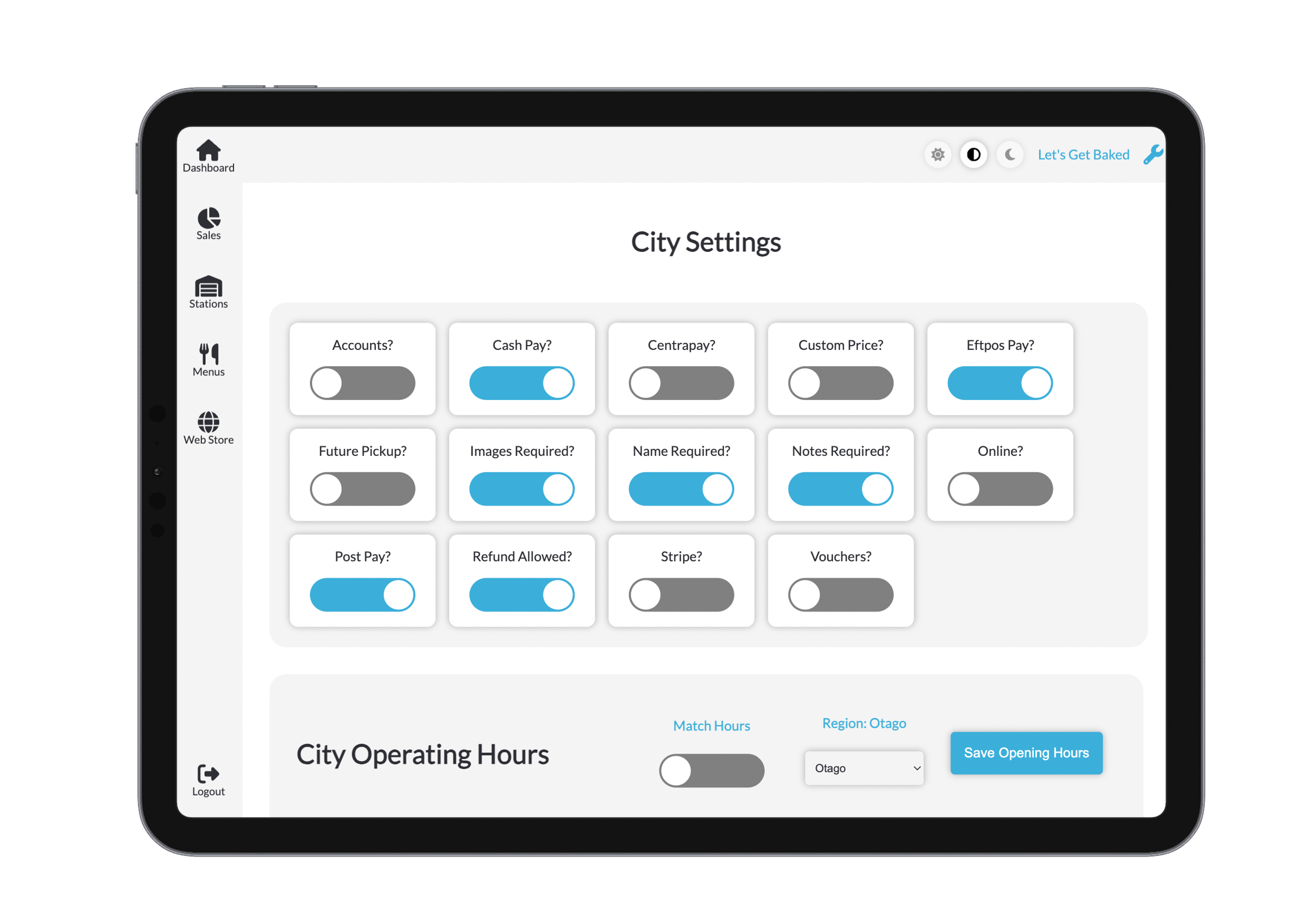
Manage Operating Hours
Operating hours are necessary for ...
For more advanced or module-specific settings, visit: